4K Ambient TV Art
Transform Your TV Into A Living Art Gallery
Discover cinematic ambient visuals, vintage paintings, relaxing scenery, seasonal décor, floral artwork, and immersive 4K Frame TV experiences.
Samsung Frame TV Art
Beautiful 4K artwork optimized for Frame TVs, modern interiors, cafés, spas, and luxury spaces.
Relaxing Ambient Visuals
Create calming environments with cinematic scenery, fireplaces, seasonal ambience, and immersive visuals.
New Weekly Content
Fresh digital art experiences and ambient TV visuals added regularly on YouTube.
Featured Experience
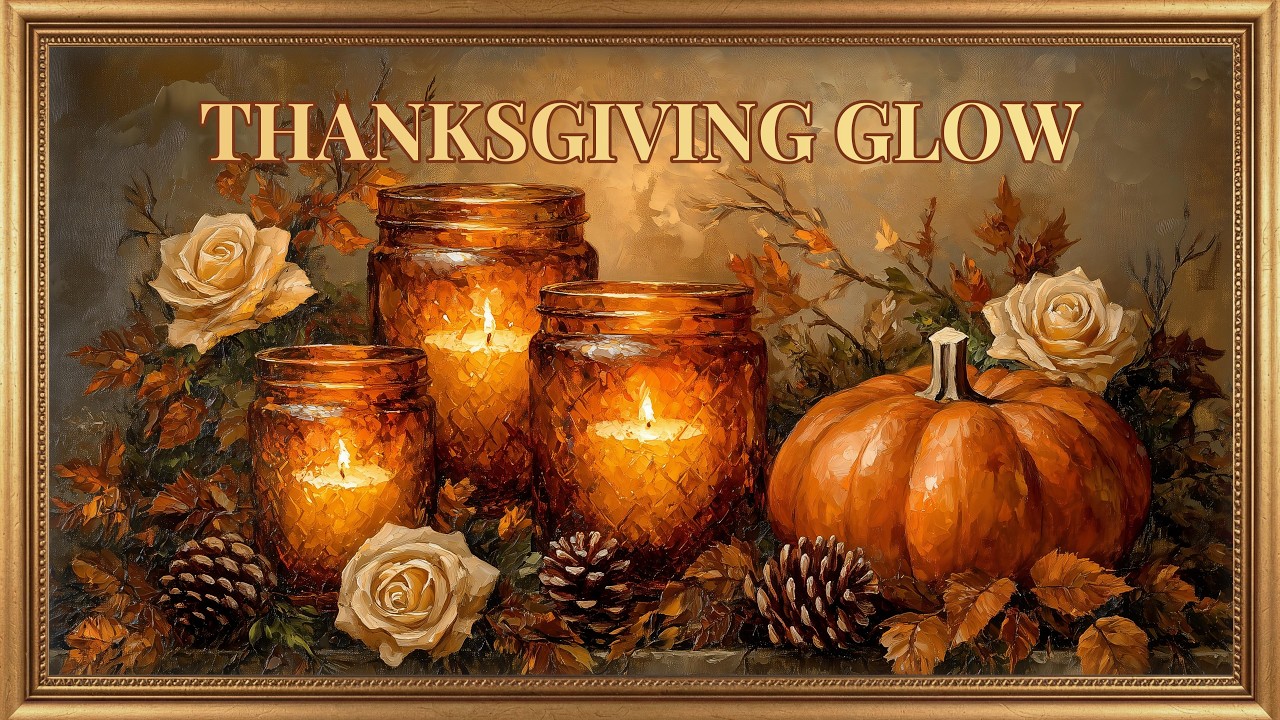
View Channel →Thanksgiving Glow | Classic Pumpkin & Candlelight Paintings with Soft Music | Frame TV Art 4K
Latest Ambient Art Experiences
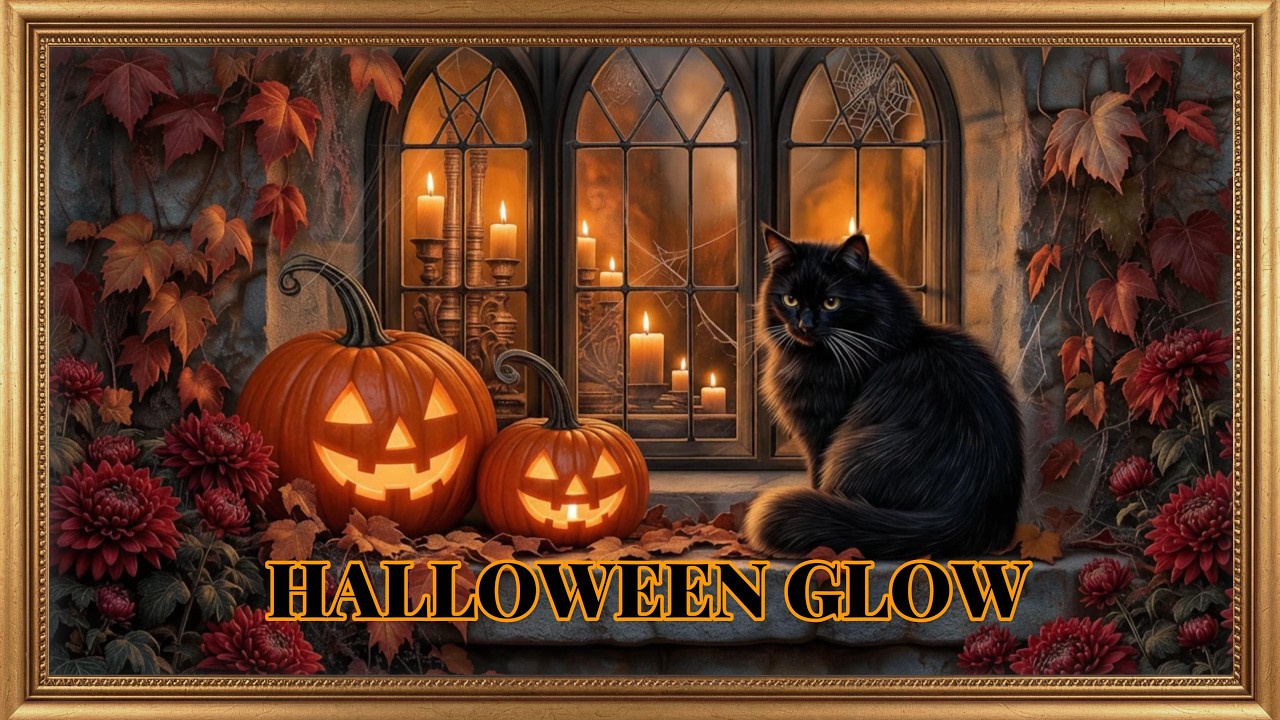
Halloween Glow | Animated Black Cats & Pumpkins with Spooky Music | Frame TV Art 4K
October 10, 2026

An Autumn Storybook | Charming Harvest Paintings with Delightful Music | Frame TV Art Screensaver 4K
October 09, 2026
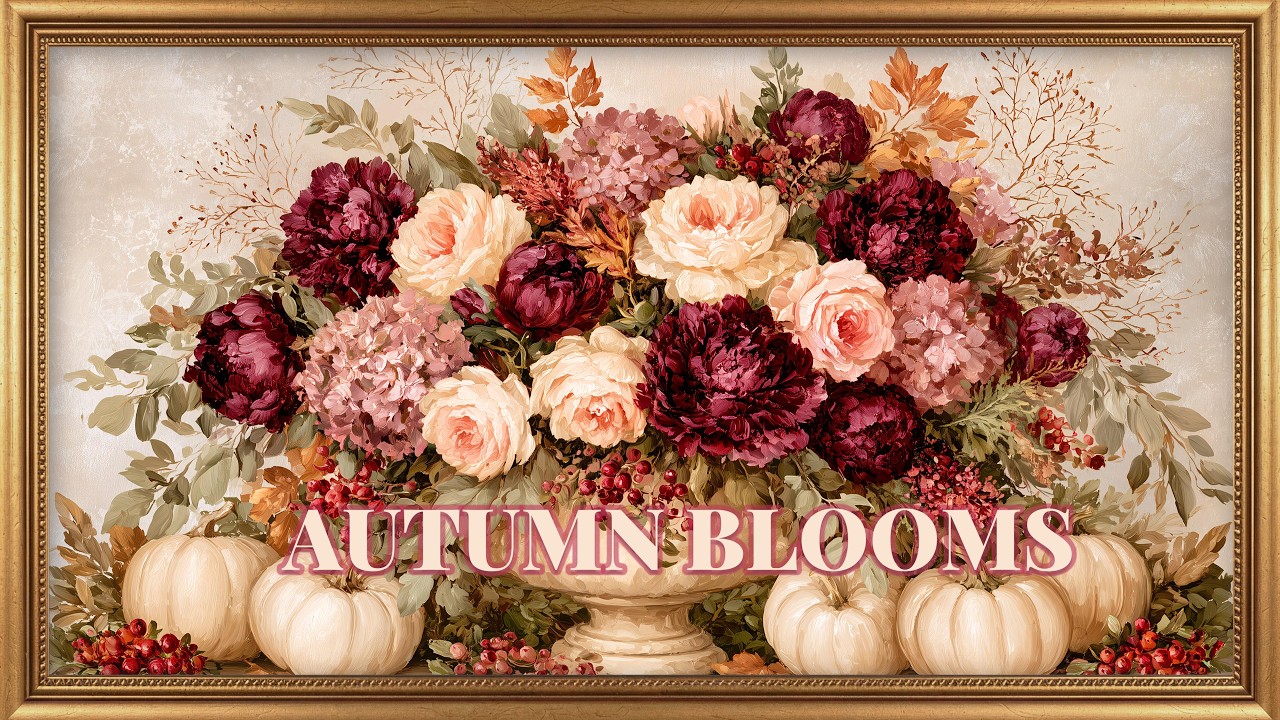
Autumn Blooms | Romantic Pumpkin & Floral Paintings with Soft Music | Fall Frame TV Art 4K
October 08, 2026
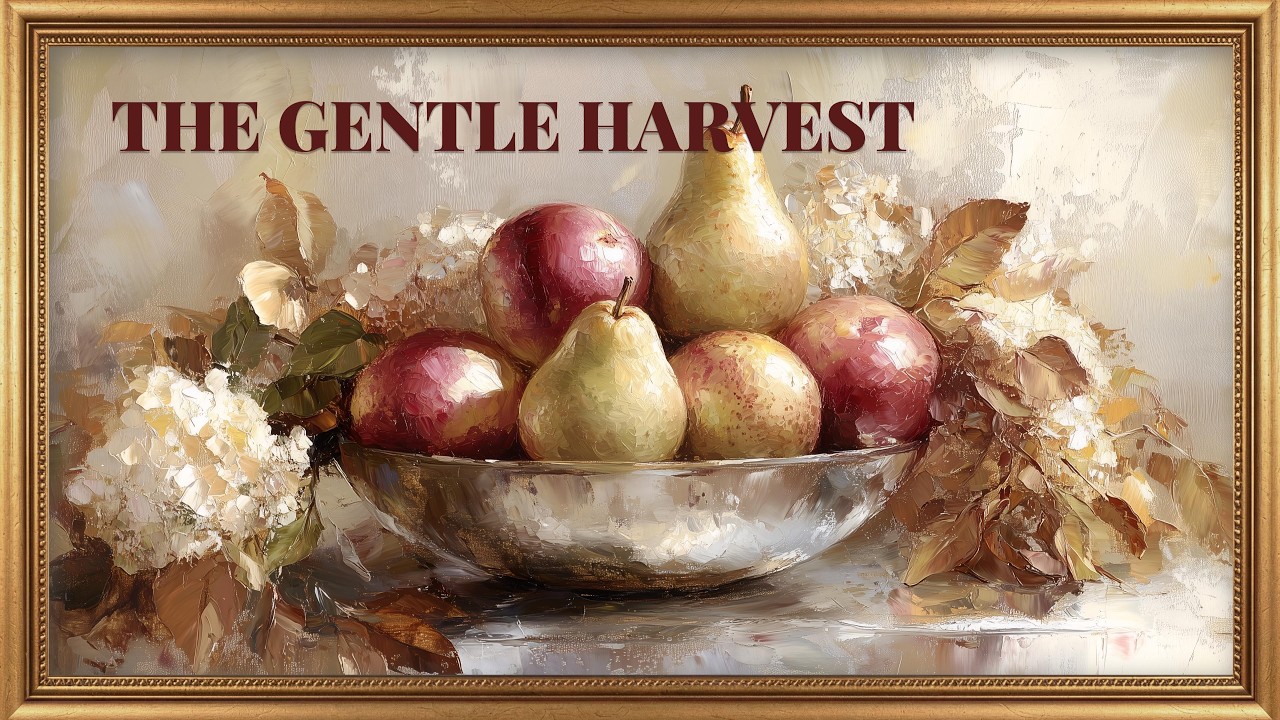
The Gentle Harvest | Vintage Autumn Paintings with Soft Music | Fall Frame TV Art Screensaver 4K
October 05, 2026
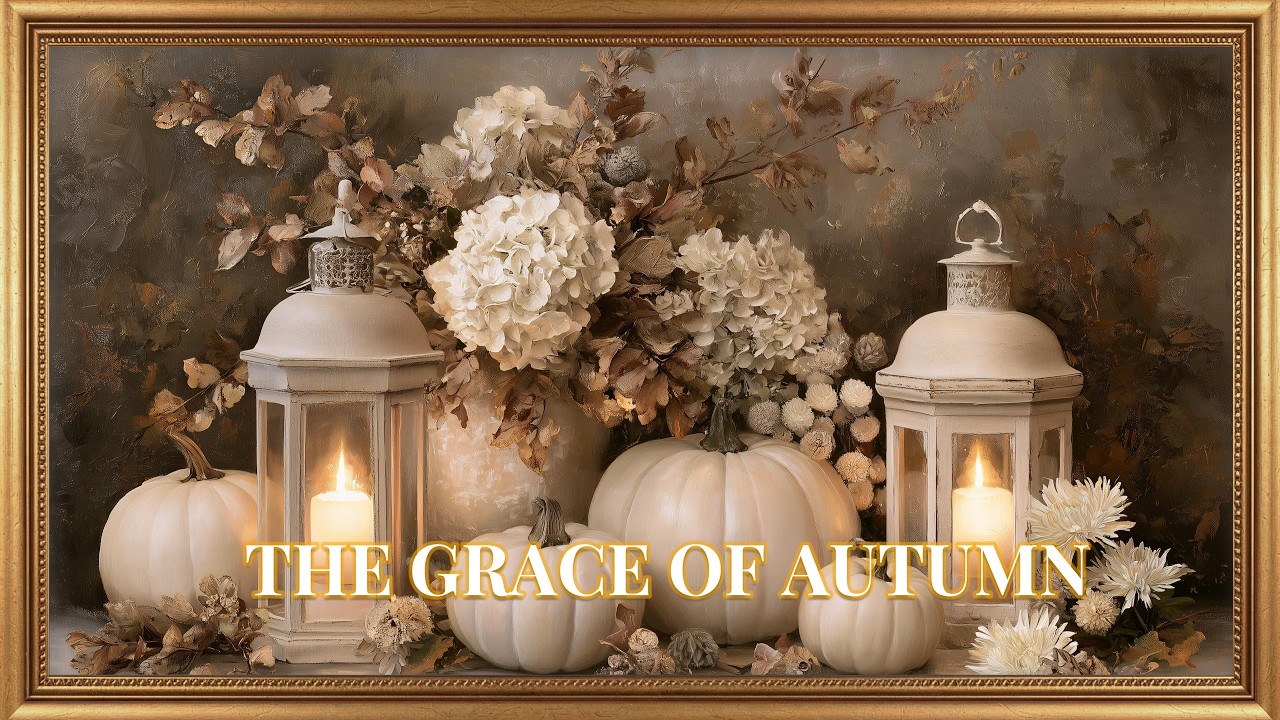
Ivory Harvest | Elegant Autumn Paintings with Relaxing Jazz | Frame TV Art Screensaver 4K
October 02, 2026
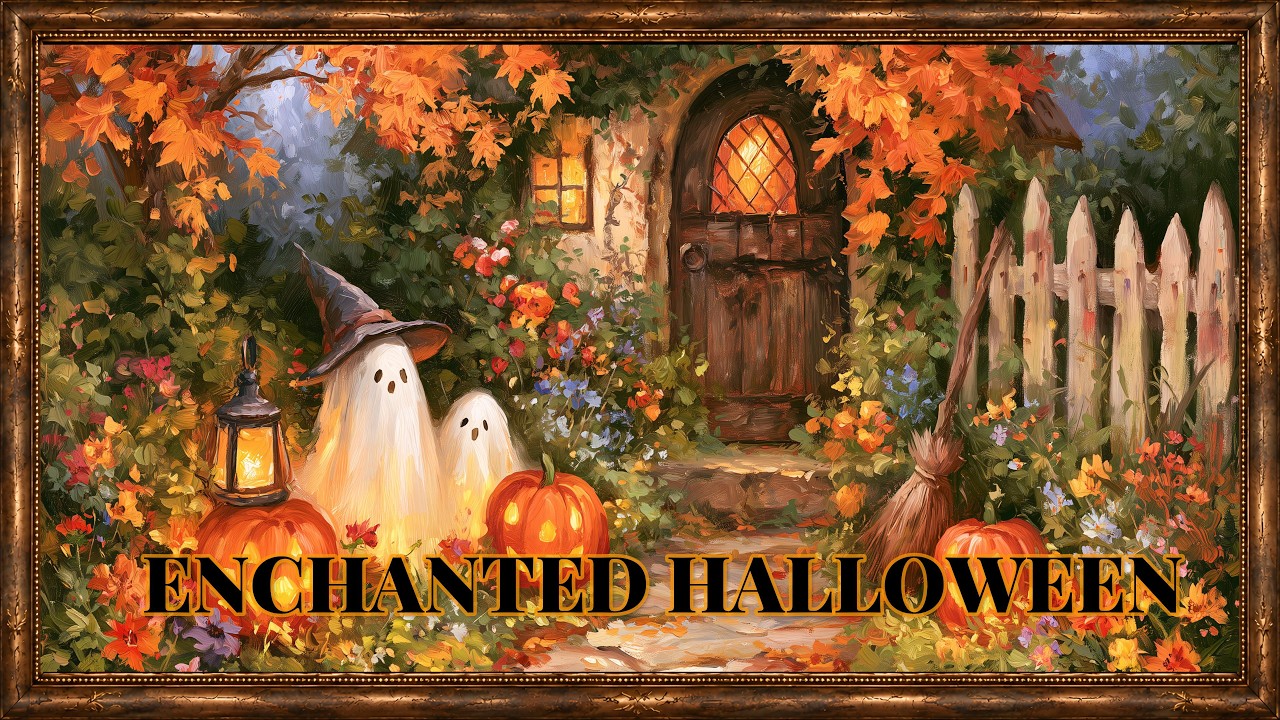
Enchanted Halloween Garden | Charming Autumn Paintings with Music | Frame TV Art Screensaver 4K
October 01, 2026
Latest Articles
View All →July 09, 2026
Peonies: The Timeless Flower That Never Goes Out of Style
Peonies: The Timeless Flower That Never Goes Out of Style🎥 Featured VideoWatch our Summer Peonies in Porcelain | Flor...
July 09, 2026
Why Lavender Creates One of the Most Relaxing Rooms in Your Home
Why Lavender Creates One of the Most Relaxing Rooms in Your Home🎥 Featured VideoWatch our Dreamy Lavender Morning | S...
July 09, 2026
Alpine Wildflower Meadows: Bring the Peace of the Mountains Into Your Home
Alpine Wildflower Meadows: Bring the Peace of the Mountains Into Your Home🎥 Featured VideoWatch our Alpine Summer Wil...
How To Upload Art To Your Frame TV
USB Method
- • Format USB as exFAT or FAT32
- • Create folder named “Art”
- • Add your 4K JPEG files
- • Plug into One Connect Box
- • Open Art Mode → My Photos
SmartThings App
- • Connect TV and phone to same WiFi
- • Open SmartThings App
- • Select Art Mode
- • Upload downloaded 4K artwork
- • Use “No Mat” for fullscreen mode